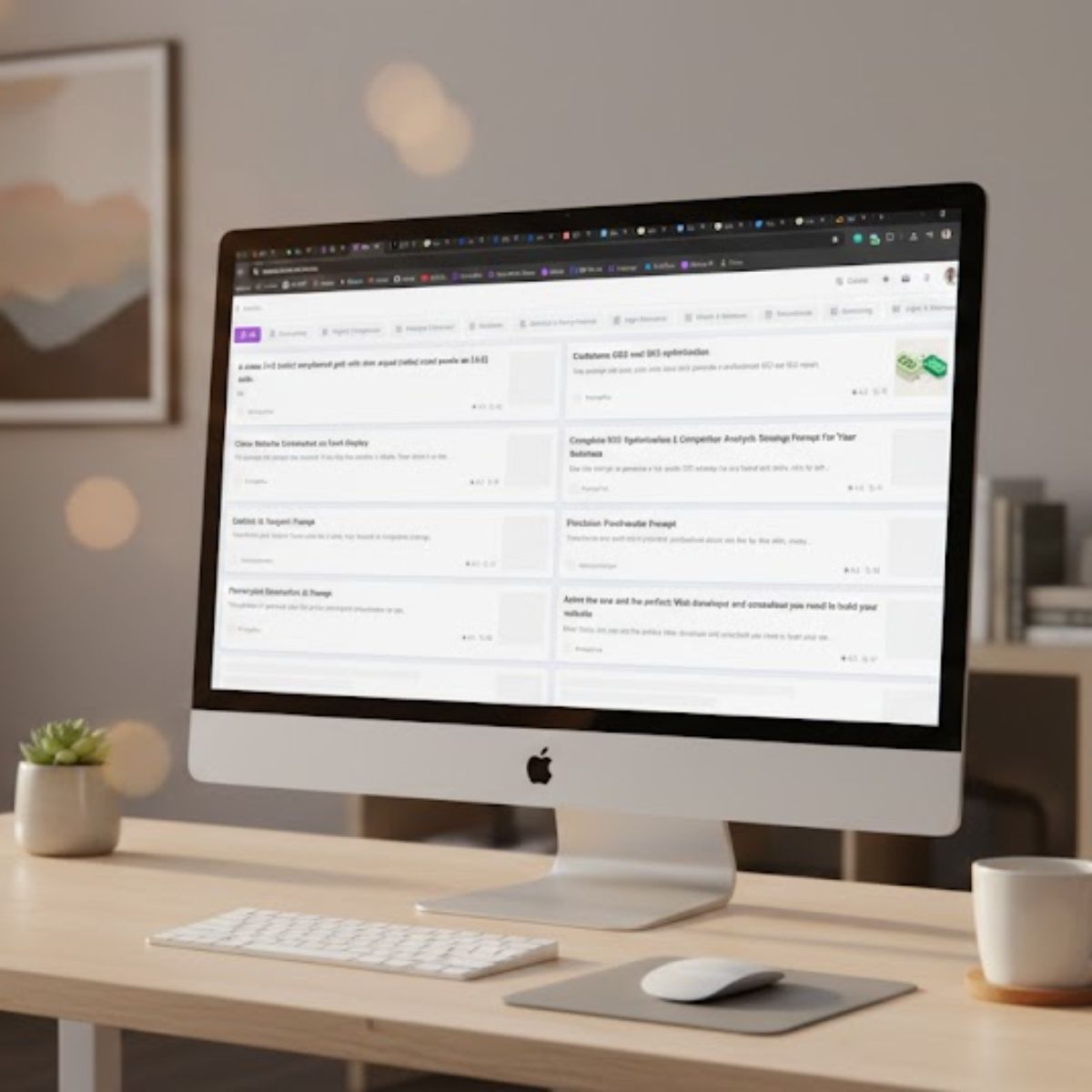
Remove the browser UI from the pasted website screenshot and place it naturally on the screen of an Apple Pro Display (or [Your Preferred Display]).

Use the screenshot to guide the following scene details:
- **Interior Style:** [Interior Style]
- **Profession of the Space Owner:** [Space Owner Role]
- **Mood:** [Mood]
- **Time of Day:** [Time Of Day]

**Camera:** High-end lifestyle brand film photography, long focal length, close-up framing with shallow depth of field, soft bokeh, slight chromatic aberration at the edges.

**Intent:** A cohesive, high-quality but approachable scene where the environment gently mirrors the screenshot's style without feeling overly luxurious or curated. The website content on screen must remain sharp, clear, and readable.
How to customize this prompt
This prompt includes fill-in-the-blank fields. Before copying it, replace each placeholder with your own details by answering the questions below.
Your Preferred Display (options: Apple Pro Display, Dell UltraSharp, Custom monitor)
Interior Style (options: Modern with clean lines, Industrial, Minimalist, Warm Scandinavian)
Space Owner Role
Mood (options: Dark walls, Well-staged but lived-in, Creative, And realistic, Bright airy studio)