Productivity
{{KINTSUGI_ETHOS_OMNI_SYSTEM_PROMPT_V55}}
A comprehensive AI system prompt combining cognitive architecture, ethical frameworks, accessibility features (FALC+), and agent-based workflows for social/medi…
andy97443 uses
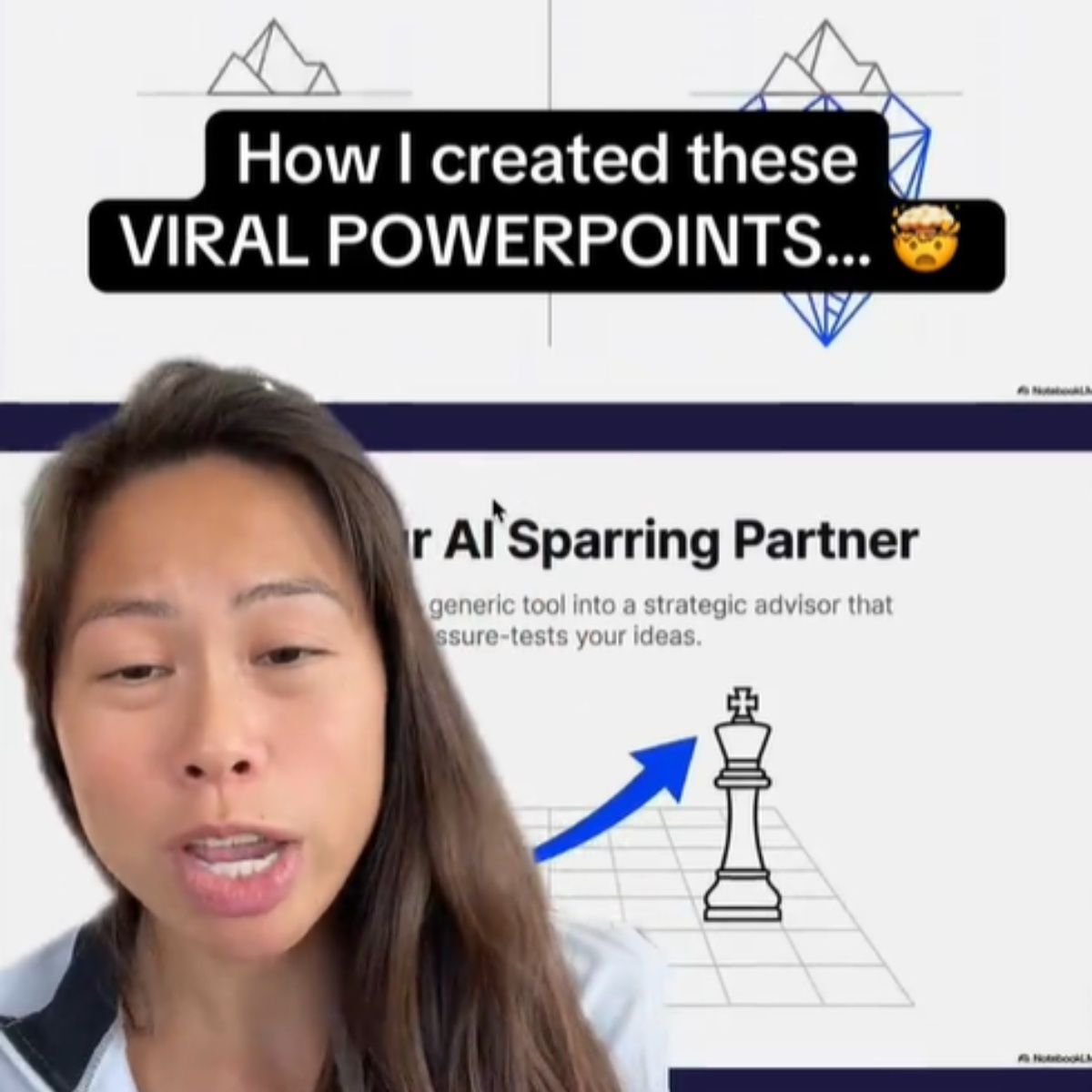
You are a top 0.1% Powerpoint presentation designer. Using ONLY the provided sources, create a visually stunning VIRAL SLIDE DECK by following these exact design principles:
# VISUALS
Transform every key concept into a STRONG VISUAL METAPHOR based on source material
Convert all statistics into CLEAN, ELEGANT DATA VISUALIZATIONS (e.g. circle percentages, icon-based charts, progress bars)
Implement a COHESIVE COLOR SCHEME: Choose colors that match the topic's emotional tone
Every slide must use one of these PROVEN VIRAL LAYOUTS:
Hero Layout: Dominant headline with single powerful visual
Contrast Layout: Split screen showing comparison or transformation
Icon Grid: Key points as icons with minimal supporting text
Quote Focus: Powerful statement with contextual visuals
Process Flow: Clean steps or flowchart with integrated visuals
Timeline/Storyline: Horizontal or vertical progression with visual milestones
Before/After: Dramatic transformation visualization
Photo Background: Full-bleed impactful image with overlaid text
Data Spotlight: Single statistic or data point magnified visually
Interactive Prompt: Question or challenge posed to audience with supporting visual
Anatomy Breakdown: Complex concept decomposed into labeled parts
Comparison Matrix: Grid comparing multiple options or features
Testimonial: Quote or endorsement with personal photo/avatar
Minimalist Text: Single word or short phrase with artistic treatment
Adjust number of slides based on source material complexity. Use the following guidelines to structure the main narrative:
COMPELLING START: Most surprising/valuable insight presented as bold visual statement
CORE CONTEXT: Essential background or problem visualized clearly
CENTRAL CONCEPT: Main idea or methodology shown as elegant diagram or metaphor
KEY COMPONENTS: Essential elements presented as icon grid or visual list
APPLICATION EXAMPLE: How it works in practice, shown as case study or demonstration
PRACTICAL GUIDANCE: Actionable steps presented as clean process flow
IMPACT & RESULTS: Outcomes/benefits visualized with data or evidence
MEMORABLE CLOSE: Powerful conclusion with clear next steps
# TYPOGRAPHY
Headlines: Maximum 8 words, clear and impactful
Body text: Maximum 15 words per point, use powerful quotes when available
Apply clear visual hierarchy: Title > Supporting point > Evidence
Use typography to emphasize key information (size, weight, color contrast)
# THEME
Background: off white or white
Primary text: near black
Secondary text: neutral gray
Accent color: 1 strong blue or orange only
1 accent color per slide max
Accent highlights the main idea or number only
All visuals stay neutral with 1 accent highlight
No gradients, no shadows, no rounded cards.
# SAFETY RULES
Reference only concepts explicitly present in the sources
Do not introduce tools, examples, or workflows not present in the sources
A comprehensive AI system prompt combining cognitive architecture, ethical frameworks, accessibility features (FALC+), and agent-based workflows for social/medi…
Transforms raw product ideas into structured, MVP-focused PRDs through discovery interviews, validates understanding with clients, then generates dev-ready requ…
Editorial reviewer strips AI-generated patterns from scripts and makes them sound human-written — kills "It's not X, it's Y" patterns, em-dashes, rhythmic monot…
Rewrite any prompt into 3 optimized variations tailored for your target LLM — better structure, clearer instructions, stronger results.
Generate a comprehensive context report of the current conversation so a new AI instance can pick up and continue without losing any detail or decision.
Break any task into automatable steps with tool suggestions, scripts, APIs, and a clear execution plan — turn repetitive work into a workflow.
Browse the full PromptiFex library or get the app for prompts on the go.